
The Meta Quest 2 strikes an impressive balance between price and functionality, supporting over 500 VR experiences, including a wide range of games and non-gaming applications. Through the Meta Quest+ subscription, users can gain access to various titles, making it a versatile choice for VR enthusiasts.
Non-Gaming Uses of Meta Quest 2
While the Meta Quest 2 is robust for gaming, it also excels in non-gaming scenarios. Users can leverage this headset for fitness tracking, streaming video, and enjoying immersive music experiences. Various apps allow for 360-degree concerts, fitness activities, as well as streaming services like YouTube VR and Netflix.
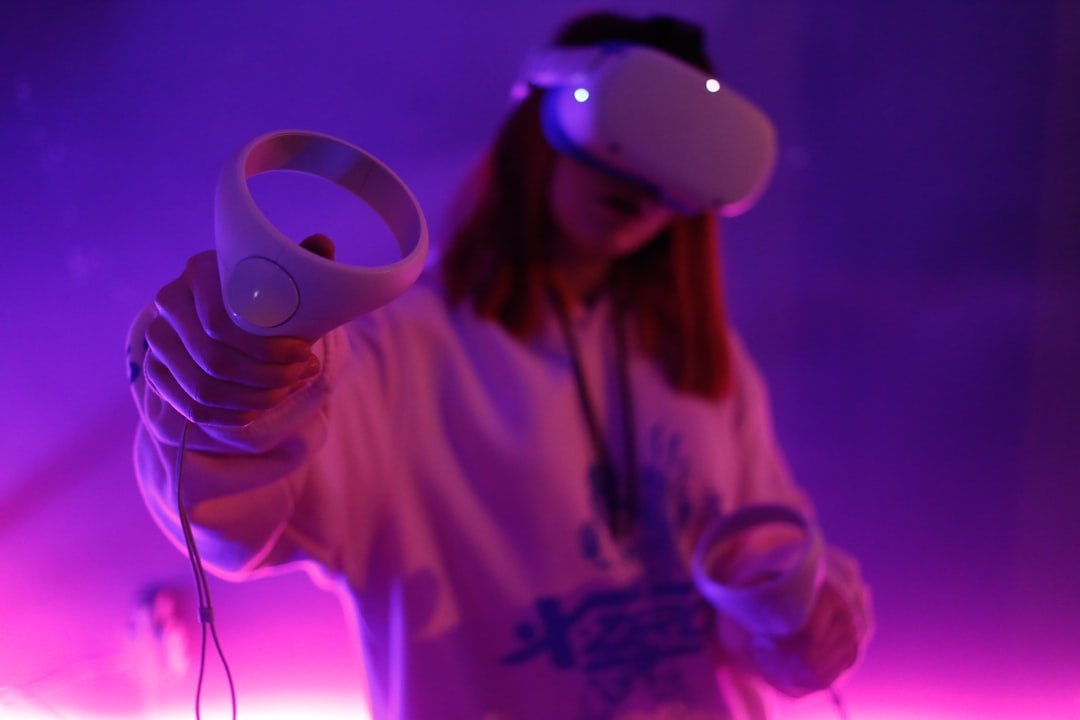
Compatibility with Popular Games
The Meta Quest 2 supports a wide array of games, but popular titles like Minecraft and Roblox are not available on the Meta Store. Users can follow community guides to set these up. Apart from these, numerous other gaming options are readily available on the store.
Flexibility in Small Spaces
The Meta Quest 2 is a self-contained VR headset that does not require additional connections beyond Wi-Fi. With features like Guardian, users can define their play boundaries in VR, making it adaptable to different space sizes.
Casting to External Devices
One standout feature is the ability to cast what you see in the Meta Quest 2 to a computer, smartphone, or Chromecast-enabled TV. The Meta Quest app makes this easy, provided all devices are connected to the same Wi-Fi network.
Recommended Hardware Accessories
To enhance comfort and utility, investing in accessories like a better head strap and a charging dock is advisable. These upgrades make the headset more comfortable to wear and easier to charge and store.

Account Setup Requirements
A Facebook account is no longer mandatory to use the Meta Quest 2, but a Meta account is required for login. Those transitioning from an Oculus account might need to link or unlink their accounts with the help of Facebook support.
Troubleshooting and Factory Reset
In case of issues, factory resetting the Meta Quest 2 is straightforward but will erase all account information and content. Users can re-download purchased content post-reset, maintaining easy access to their favorites.
Future Upgrades and Comparisons
Meta has announced the upcoming Meta Quest 3, which features enhanced characteristics and a slimmer design. Budget and personal needs should guide users in choosing between the Quest 2 and future releases. Additionally, the Meta Quest 2 is often compared to the upcoming Apple Vision Pro VR headset, which promises a premium experience but at a higher price point.

Maximizing Your Meta Quest 2 Experience
The Meta Quest 2 stands as a standalone VR device, negating the need for a high-end PC or gaming console. Available in 128GB and 256GB storage options, it offers great value. Setup involves charging the device, installing the app on your phone, and adjusting for comfort. Users can also enhance their experience with accessories like the elite strap and VR fitness gear. Various popular games and experiences like Beat Saber and Superhot are recommended for an engaging experience.
Setting Up the Oculus Quest 2
Users should ensure their headset and controllers are fully charged before initiating setup. Connect to the same Wi-Fi network as your phone, pair with the Meta Quest app, and adjust the headset for optimal fit. Set up your play space by defining boundaries to avoid collisions, and explore the features including casting, airlink, and voice commands.
In conclusion, the Meta Quest 2 is a powerful and flexible VR headset that offers a substantial amount of functionality for its cost. By following essential setup guidelines and leveraging available accessories and apps, users can maximize their VR experience.
| Feature | Details |
|---|---|
| Supported Experiences | Over 500 VR games and applications |
| Non-Gaming Uses | Fitness tracking, 360-degree concerts, video streaming |
| Popular Game Titles | Minecraft and Roblox (community setup required), many others in Meta Store |
| Space Requirements | Adaptable, self-contained with Guardian boundary feature |
| Casting Capability | Supported to computer, smartphone, Chromecast-enabled TV |
| Recommended Accessories | Better head strap, charging dock |
| Account Setup | Requires Meta account, no Facebook account needed |
| Troubleshooting | Factory reset erases data, re-downloads for purchased content |
| Future Upgrades | Meta Quest 3 with enhanced features, comparisons with Apple Vision Pro |
| Storage Options | 128GB, 256GB |
| Setup Process | Charged headset and controllers, Wi-Fi connection, pairing, boundary setup |